Frame the right area.
Compare spacing with live guides. Turn on snapping when you want it. Capture the visible page, a full page, or a chosen window or screen.
 Screenshot Finish
Capture an area or page, add your look, then copy a finished PNG. Stay in the page and keep your images on this device.
Chrome Web Store release in preparation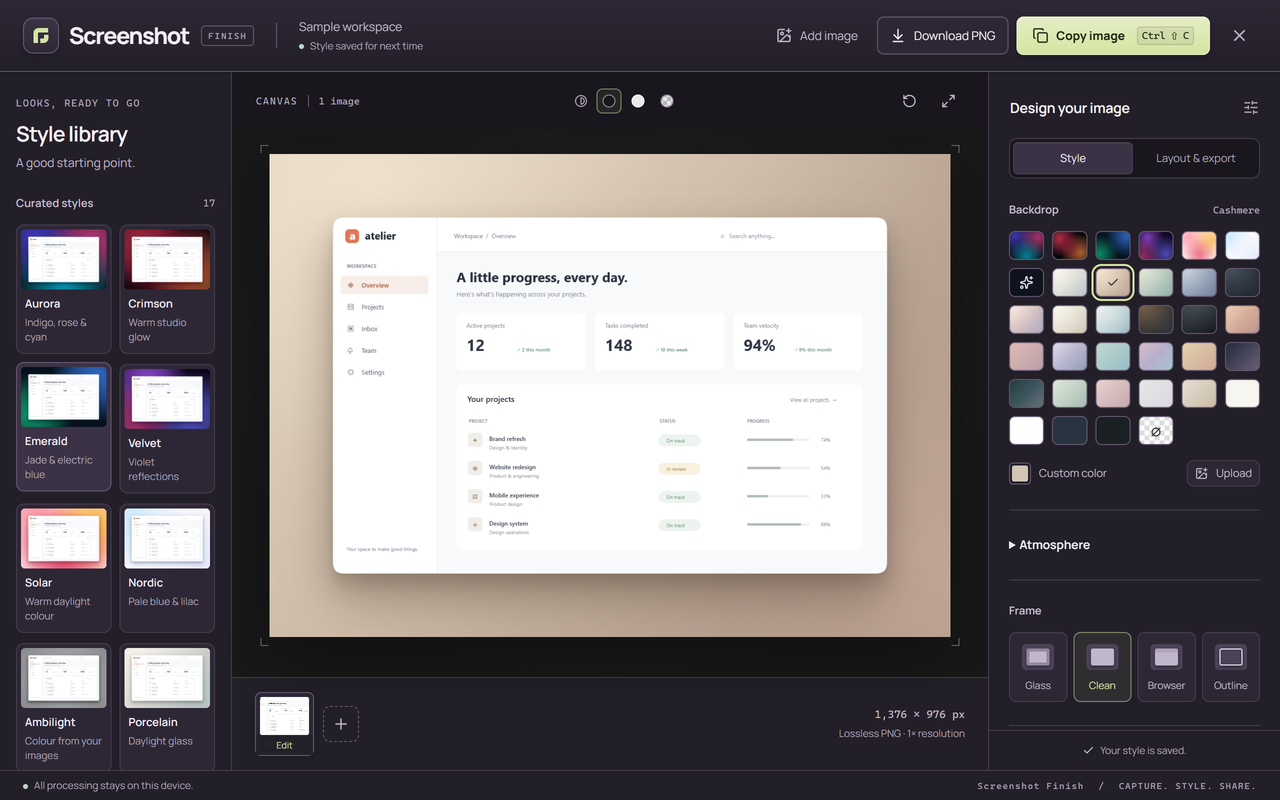
Compare spacing with live guides. Turn on snapping when you want it. Capture the visible page, a full page, or a chosen window or screen.
Draw, add arrows and text, crop, or hide details with solid redaction. Choose a background, frame, rounded corners and shadows.
Copy or download the same PNG you preview. Save a look for next time, or arrange up to four images on one canvas.
Image processing happens in your browser. No account, screenshot server, remote fonts or analytics. Read the data policy.